Step 1
Choose a graphics card for your monitor
The graphics card has a big impact on image quality and how smoothly games run. Check independent benchmarks for the games you play at your monitor’s resolution. Make sure the card fits your case and your power supply has the right connectors.
Step 2
Pick a processor to match
Choose a processor that suits your graphics card and how you use your PC. The processor can matter more in competitive games at high refresh rates. Extra processing power is helpful if you stream or run other tasks while gaming. Then check which motherboard socket and cooler fit your chosen processor.
Step 3
Choose memory and storage
Choose enough RAM for your games and apps. Check which memory type and speeds the motherboard and processor support. An SSD is a practical choice for Windows, games and files. Choose a capacity based on how much you want to keep installed at once.
Step 4
Check the motherboard and power supply
Check the motherboard socket, memory slots, storage options, networking and form factor. Choose a power supply with the right connectors and enough capacity for your parts, with room for future upgrades. The wattage you need depends on the parts you choose.
Step 5
Leave room for cooling and cables
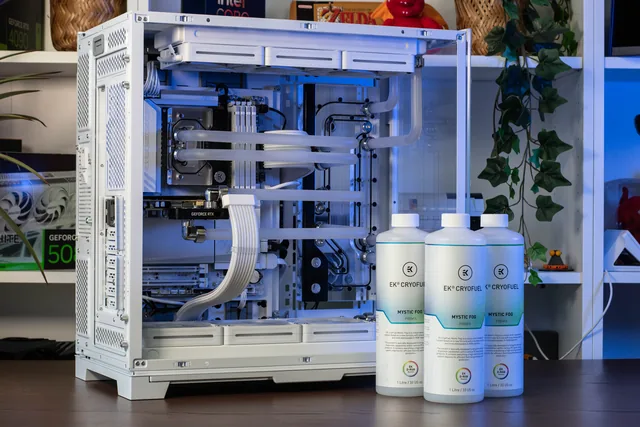
Check the maximum graphics card length and CPU cooler height, as well as space for fans or a radiator. Good airflow helps keep performance and noise levels stable. Liquid cooling is an option if you want a particular look or layout. A suitable air cooler can also be an excellent choice.
Step 6
Double-check your build
Before ordering, check that all the parts fit and work together. Review the socket, memory, power supply, connectors and dimensions. Check whether you need an operating system, Wi-Fi, extra storage or peripherals. Our team can help you check your choices.