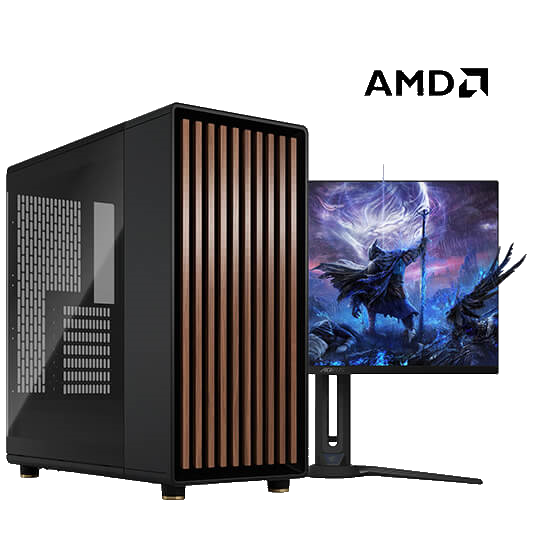

Custom gaming PC
Game PC - AMD
Configure from
€ 1.224,00
Previously € 1.440,00
Or approximately € 28,17 a month with SprayPay

| Best price for your computer |
Rated 4.6 stars on Google |
All computers ship free with insurance |
Computer-Bestel.nl · Gaming PCs
Compare gaming PCs based on the games you play, the monitor you use and your budget. Check the current components and price of each model.
Compare gaming PCs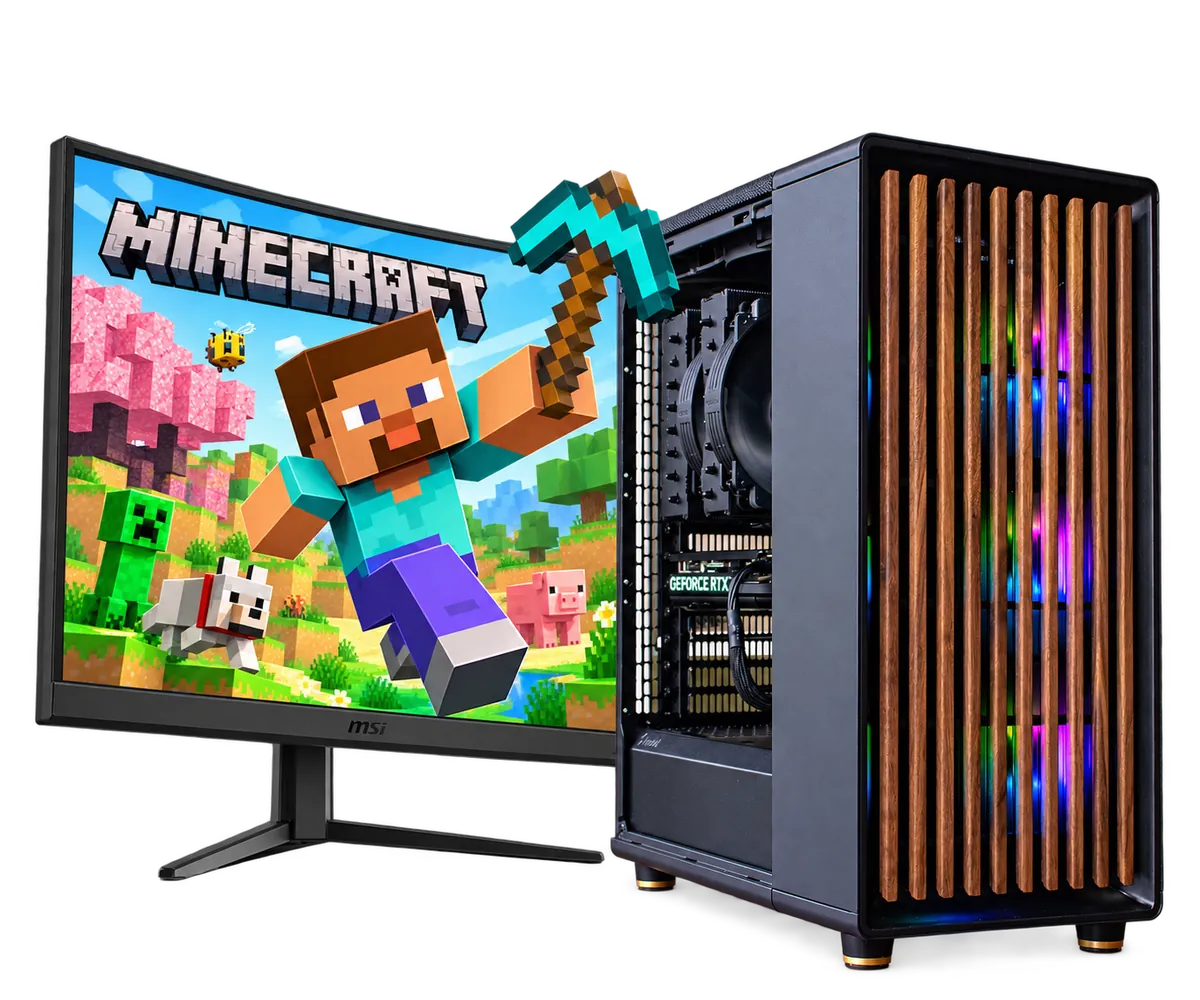
From our current range
Browse available configurable and prebuilt PCs. Open a model to see its current parts, options and total price.
Custom gaming PC
Or approximately € 28,17 a month with SprayPay
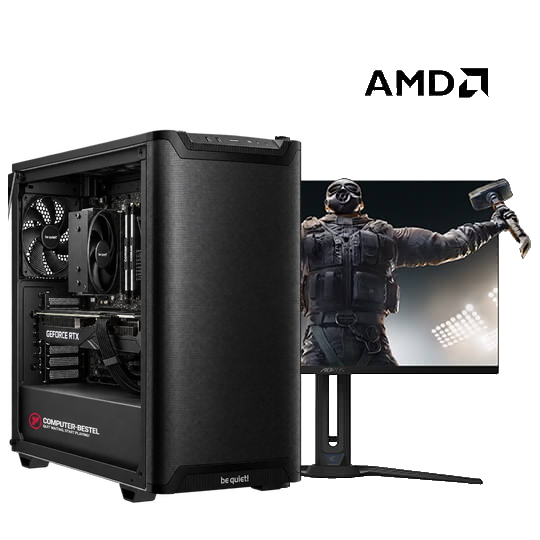

Custom gaming PC
Or approximately € 23,72 a month with SprayPay
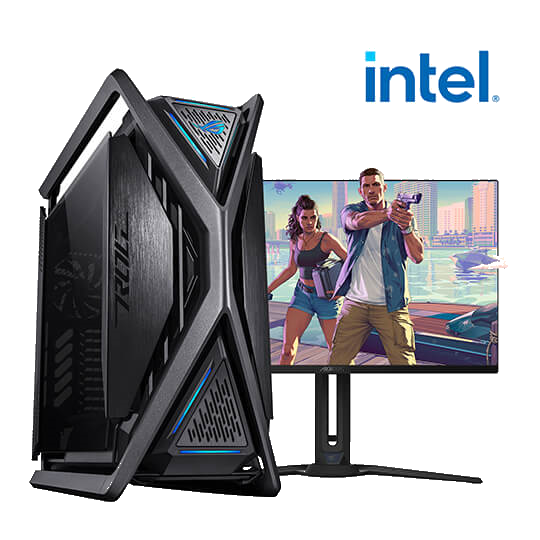
Custom gaming PC
Or approximately € 26,95 a month with SprayPay

Prebuilt gaming PC
Or approximately € 31,60 a month with SprayPay
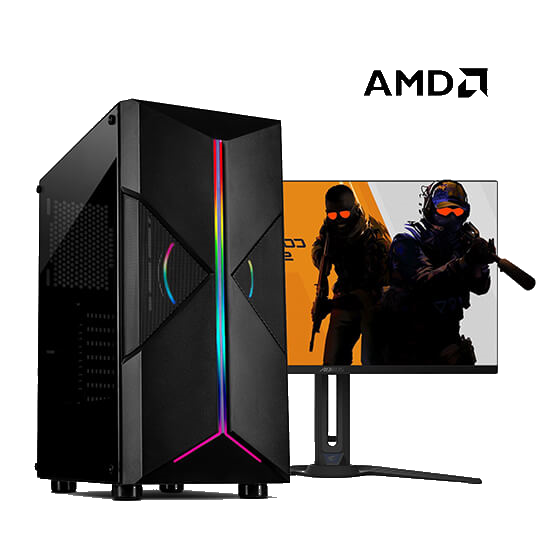
Custom gaming PC
Or approximately € 14,58 a month with SprayPay

Prebuilt gaming PC
Or approximately € 47,74 a month with SprayPay
List the games you play most and check your monitor’s resolution and refresh rate. Use the game system requirements guide to compare what individual titles need. Allow enough memory and storage for other software you use while gaming.
Look at the case, cooling and connections alongside the processor and graphics card. Open a model to check its current parts and total price. You can configure a gaming PC or compare prebuilt gaming PCs as complete systems.